500+ functions
Financial, statistical, lookup, text and date functions, from SUM to XLOOKUP.

A full spreadsheet app that runs in your browser. 500+ functions, tables, charts, PivotTables and conditional formatting, with the Excel files you already use. Or download it for Mac and Windows.
Your spreadsheets never leave your computer. Nothing to install.
XLSX is SynSheet's own format, so styles, formulas, tables, conditional formats, charts, sparklines and PivotTables come through intact and save straight back. CSV and TSV too.
Name Box, sheet tabs, fill handle, Format Cells and Paste Special, with colour-coded references as you type a formula.
Financial, statistical, lookup, text and date functions, from SUM to XLOOKUP.
Spilling results, LET, LAMBDA, MAP, REDUCE, SCAN, BYROW and BYCOL.
A dependency graph recalculates only what changed, even in big workbooks.
Banded rows, totals rows, filter buttons and structured references.
Summarise thousands of rows by region, product or month in a few clicks.
AutoFilter, multi-level sort, data validation, outlining and subtotals.
Column, bar, line, pie and more, linked live to your data.
Tiny in-cell charts that show a trend at a glance.
Data bars, colour scales, icon sets and rules that highlight what matters.
Excel's full number-format language, including currency, accounting and dates.
Place pictures inside cells so they size and move with your data.
Page setup, print areas and titles, and export to PDF.
XLSX, CSV and TSV, plus data import from XLSB and ODS files.
Real SynSheet screens with its sample sales dashboard. Switch between them to see each part of the app.
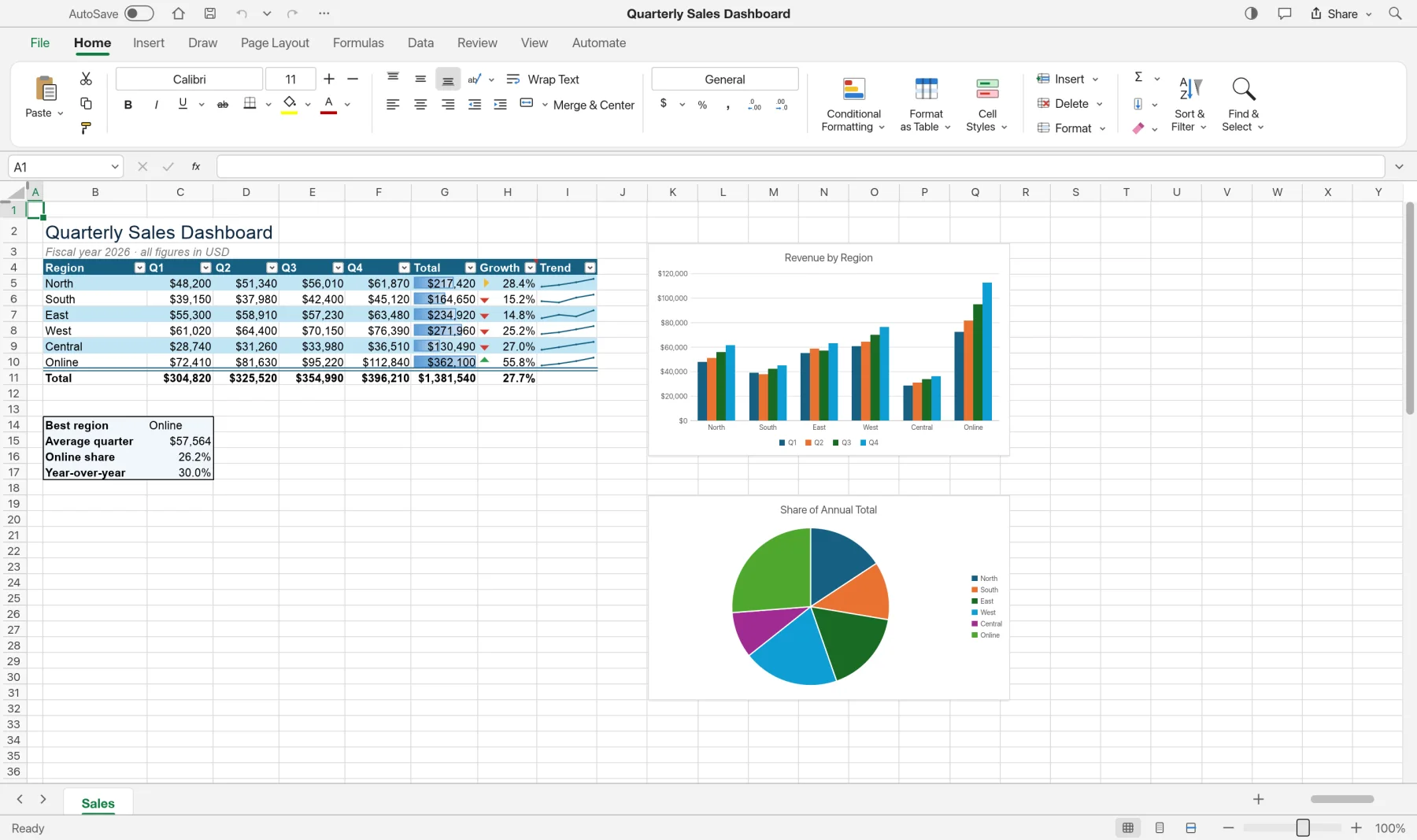
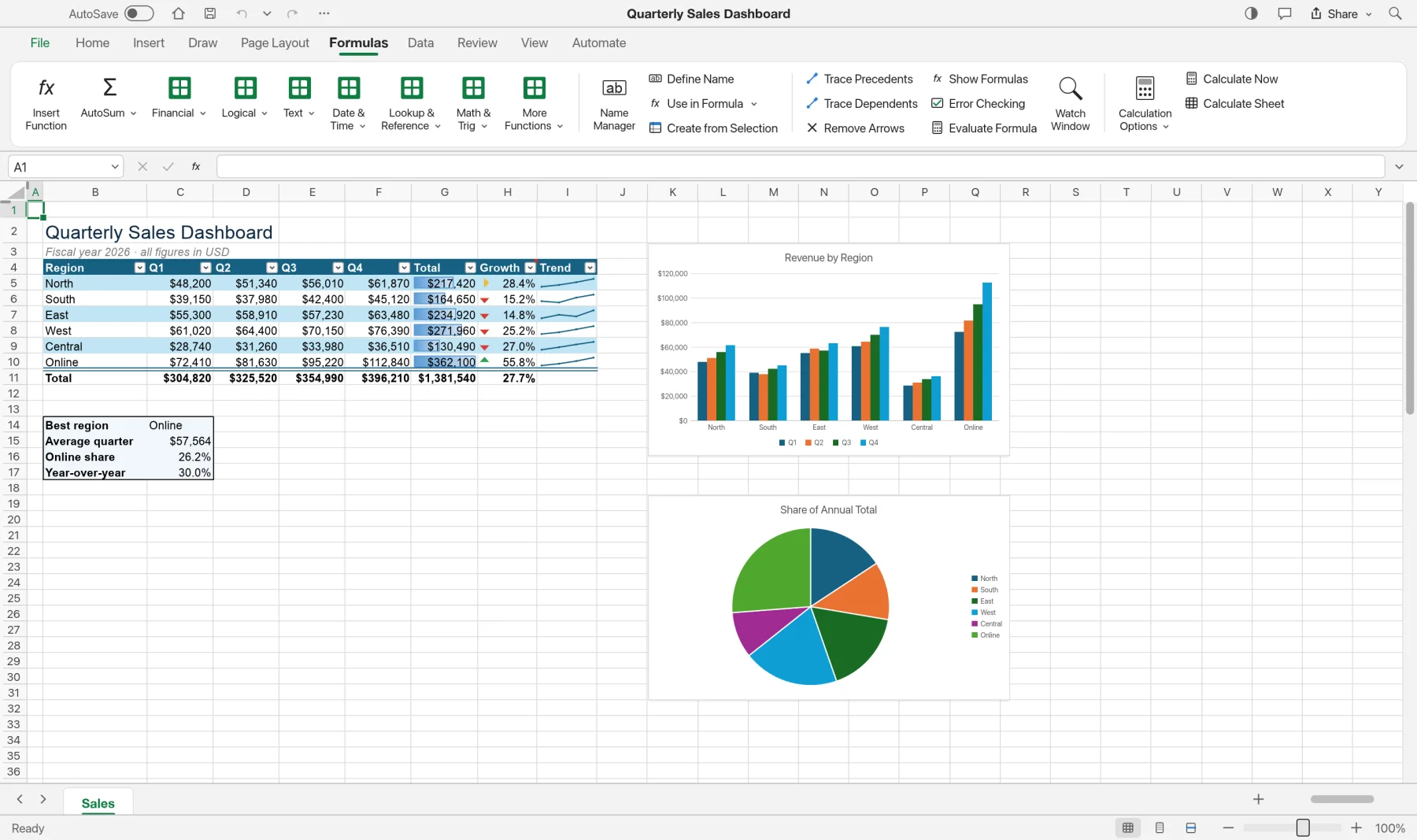
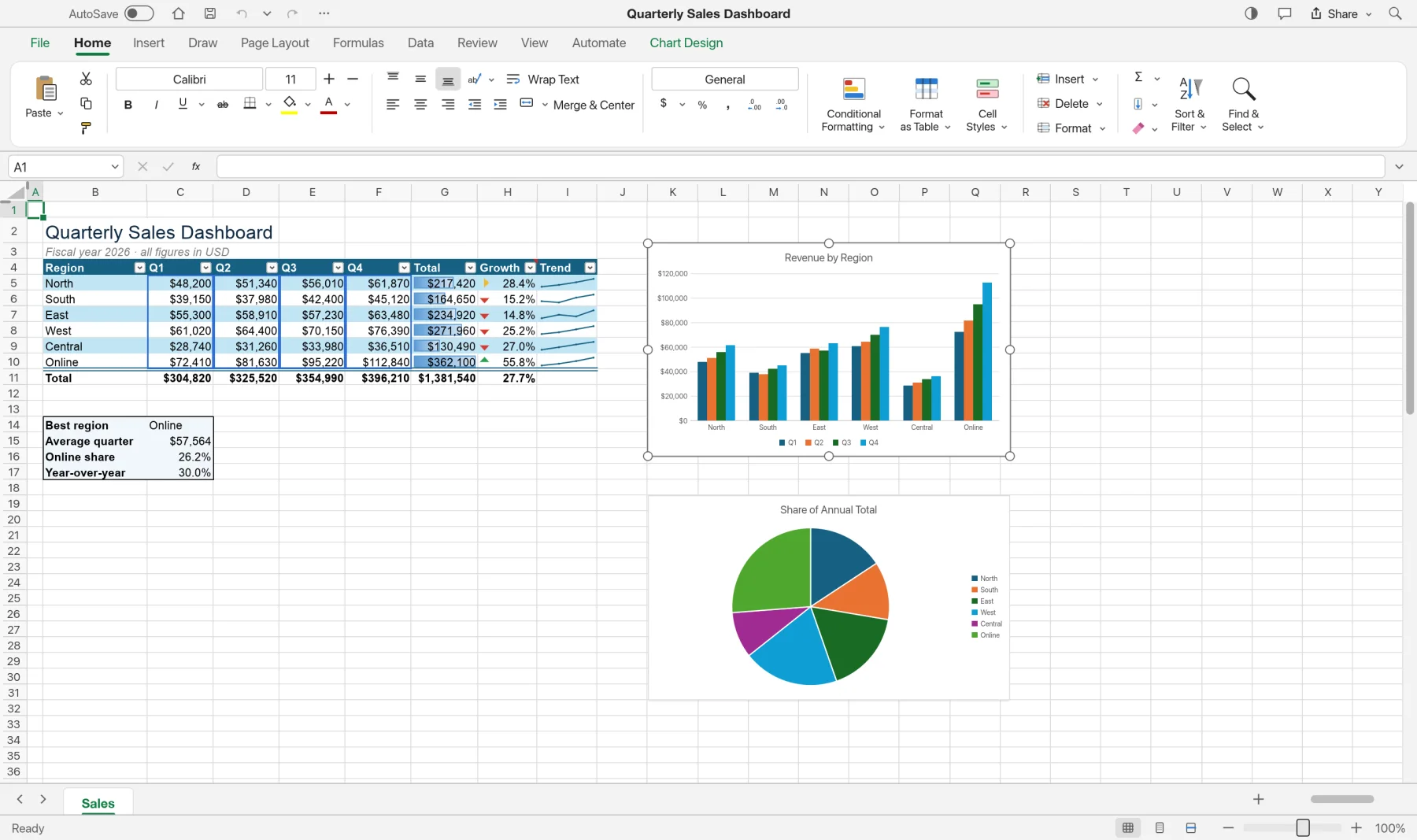
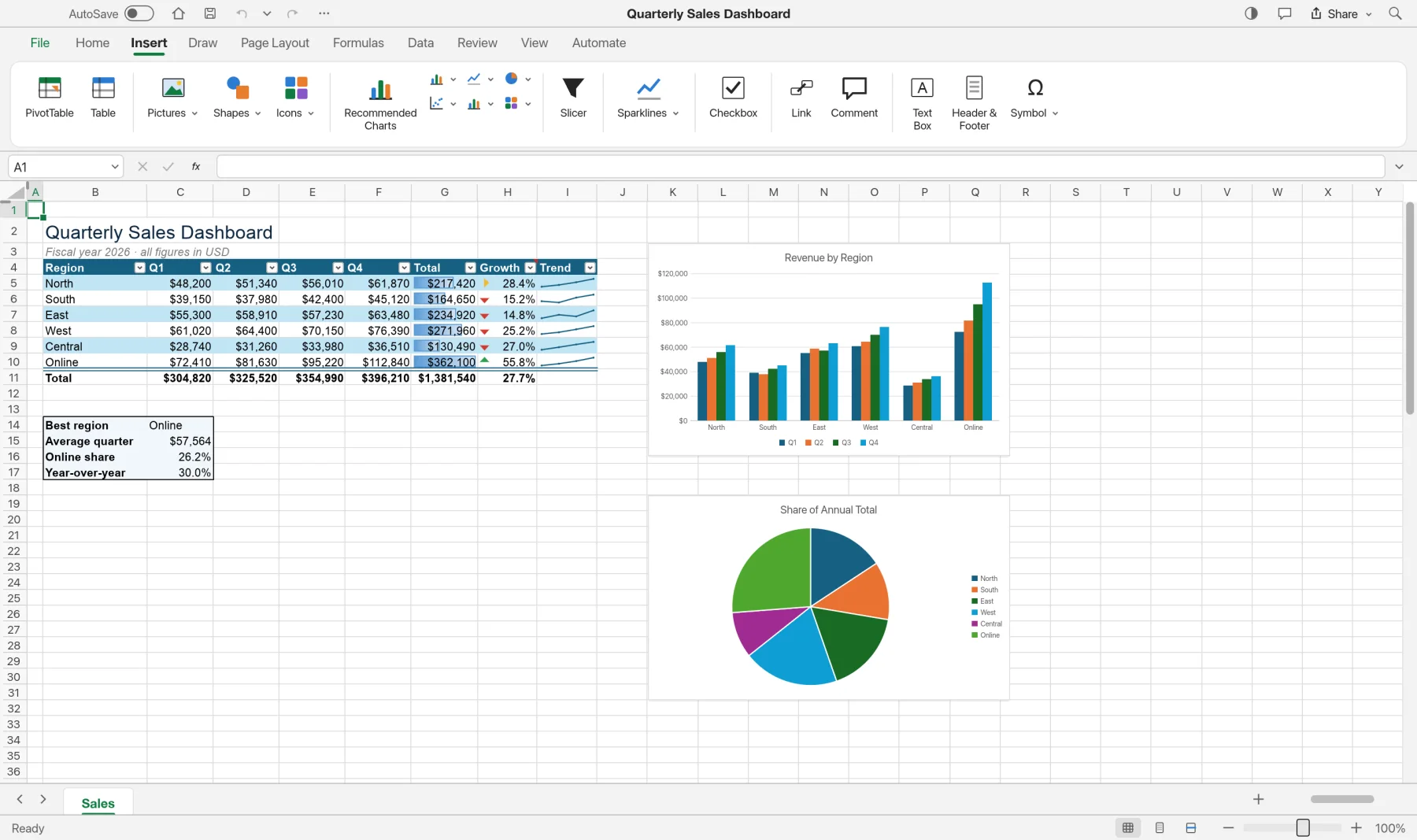
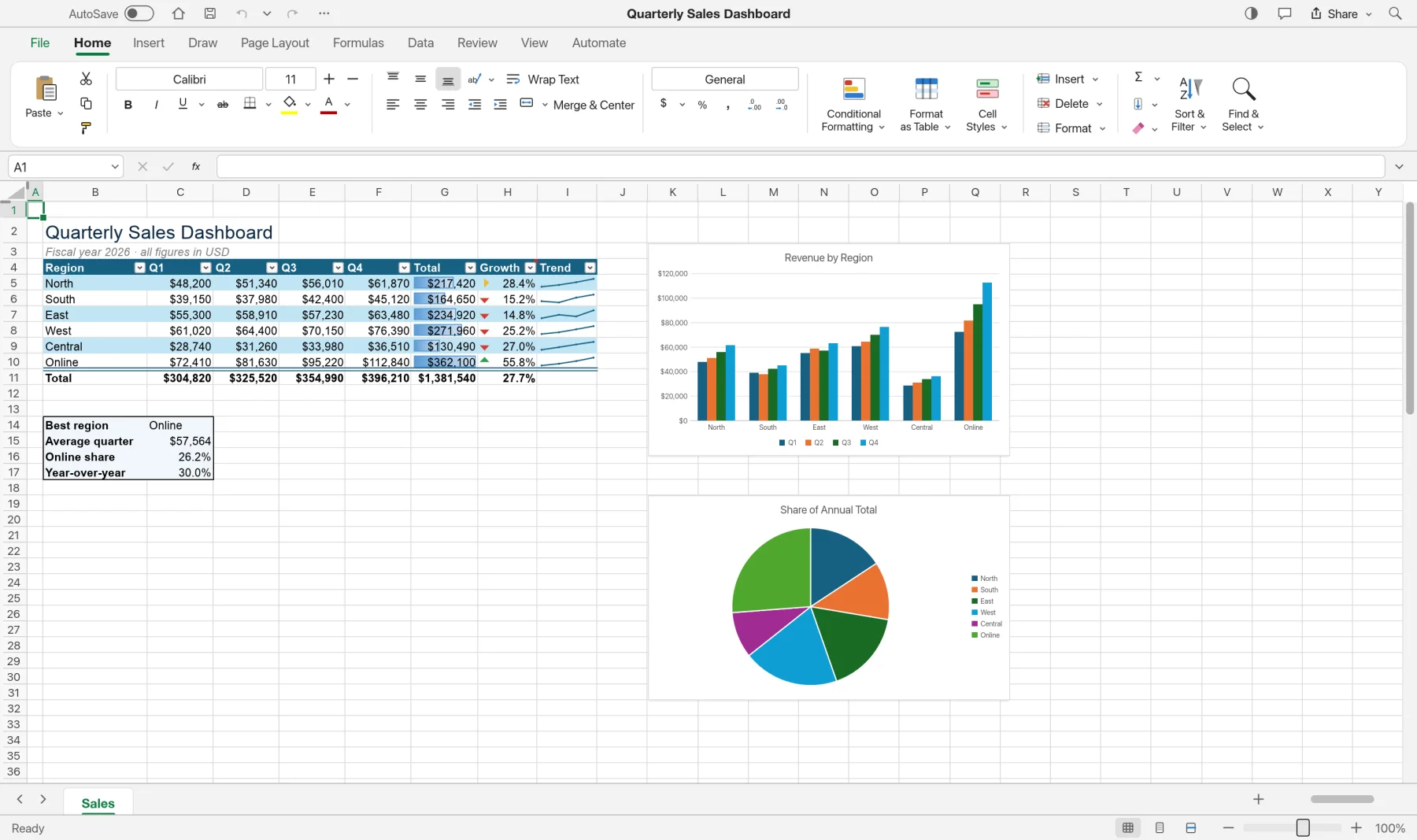
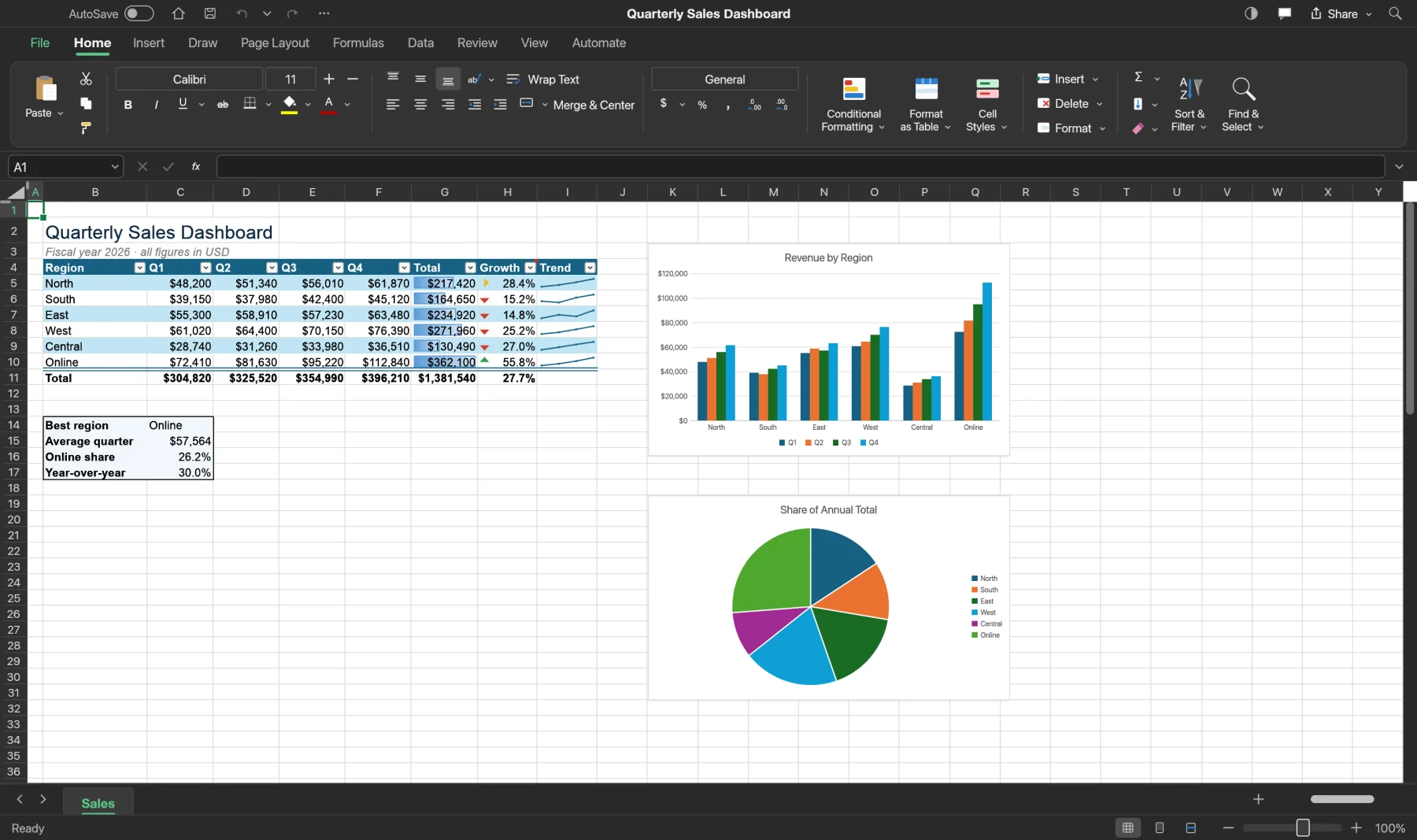
Budgets, payroll and sales figures stay on your own device. SynSheet opens and calculates everything locally, in the browser or in the app.
The online version works on files inside your browser. Nothing is sent to us.
Once it has loaded, SynSheet keeps working without an internet connection.
Nothing to sign up for, no licence server and no telemetry.
XLSX and CSV in and out, so your work is never locked in.
Version 0.5.0 alpha. Free, with no account. The online version is the quickest way to start.
Yes. SynSheet is free while it's in alpha, with no account and no subscription.
Yes. XLSX workbooks open and save with their styles, formulas, tables, charts and PivotTables. Older .xls files open with their values, formulas and number formats; their formatting and objects are not imported yet.
Almost certainly. SynSheet has more than 500 worksheet functions, including XLOOKUP, dynamic arrays, LET and LAMBDA. A handful of rare functions are still being added.
No. The online version opens files straight from your computer and works on them in the browser. Nothing is sent to Syntera Labs.
Chrome or Edge on a recent computer give the best results. For very large workbooks, use the Mac or Windows app.
SynSheet is new and improving every week. Save your work often and keep a copy of important workbooks.
Open SynSheet in your browser. It's free, private and nothing to install.
Open SynSheet →